
MP3 Metadata Editor
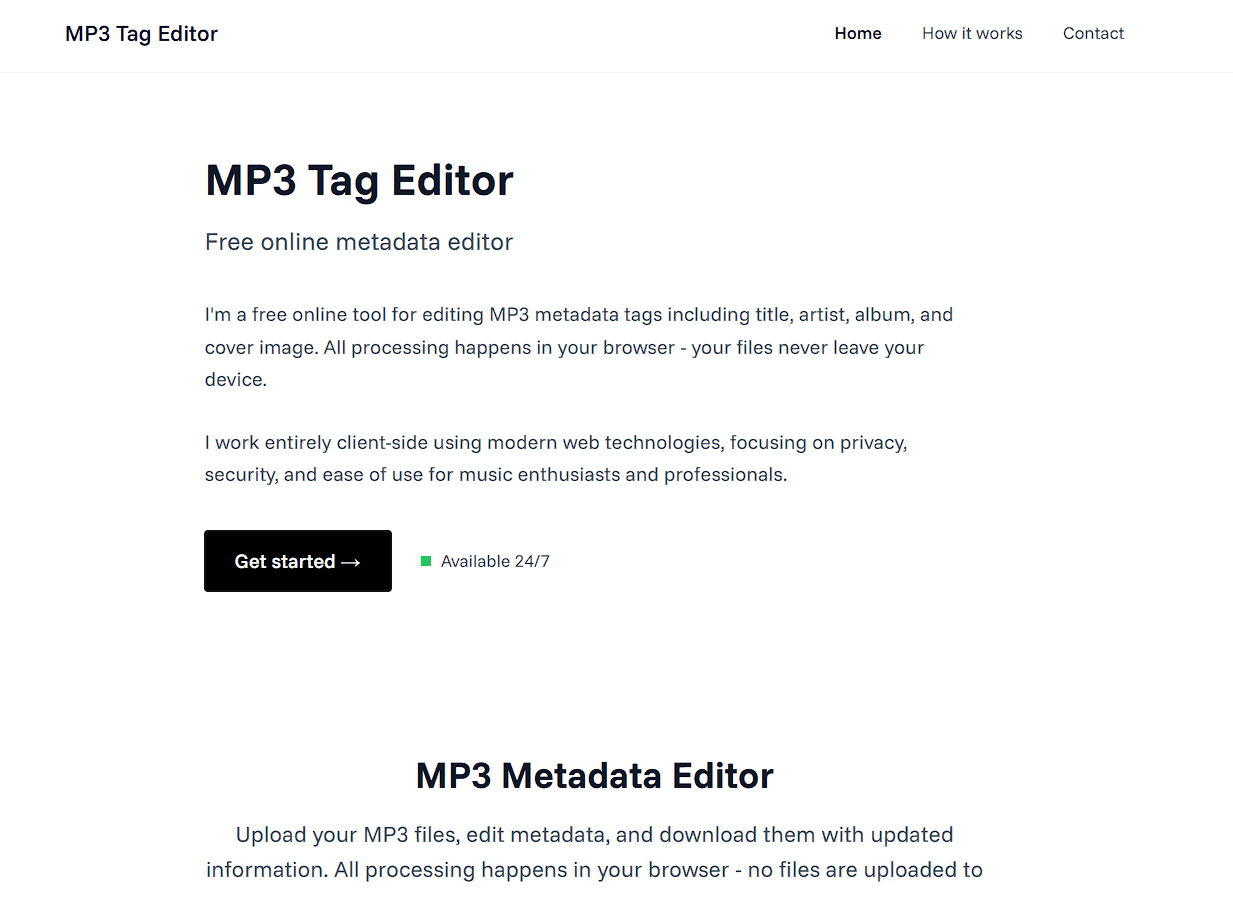
A modern, client-side MP3 metadata editor built with Next.js and TypeScript. Edit MP3 file tags including title, artist, album, and cover image directly in your browser without uploading files to any server.


✨ Features
- Client-side Processing: All file processing happens in your browser - your files never leave your device
- Metadata Editing: Edit title, artist, album, and cover image
- Real-time Preview: See current metadata before making changes
- Cover Image Support: Upload and replace album artwork
- Privacy First: No server-side file storage or processing
- Modern UI: Clean, minimal design with Funnel Sans typography
- Cross-platform: Works on any device with a modern web browser
🛠️ Tech Stack
- Frontend: Next.js 15, React 19, TypeScript
- Styling: Tailwind CSS
- Fonts: Funnel Sans (Google Fonts)
- MP3 Processing: music-metadata (reading), browser-id3-writer (writing)
- Icons: Lucide React
- UI Components: Custom minimal design components
🚀 Getting Started
Prerequisites
- Node.js 18+
- npm, yarn, or pnpm
Installation
-
Clone the repository
git clone https://github.com/Manish-Tamang/mp3-metadata-editor.git cd mp3-metadata-editor -
Install dependencies
npm install # or yarn install # or pnpm install -
Run the development server
npm run dev # or yarn dev # or pnpm dev -
Open your browser Navigate to http://localhost:3000
Building for Production
npm run build
npm start
📁 Project Structure
mp3-metadata-editor/
├── app/
│   ├── contact/
│   ├── how-it-works/
│   ├── globals.css
│   ├── layout.tsx
│   └── page.tsx
├── components/
│   ├── ui/
│   ├── FileUpload.tsx
│   ├── Footer.tsx
│   ├── HeroSection.tsx
│   ├── MetadataForm.tsx
│   ├── MetadataPreview.tsx
│   ├── Navbar.tsx
│   └── UploadForm.tsx
├── hooks/
│   └── useMp3Metadata.ts
├── lib/
│   ├── id3.ts
│   └── utils.ts
├── public/
└── styles/
🔧 How It Works
1. File Upload
- Users drag & drop or select MP3 files
- File validation ensures only MP3 files are accepted
- File size and name are displayed
2. Metadata Reading
- Uses
music-metadatalibrary to parse existing ID3 tags - Extracts title, artist, album, and cover image
- Displays current metadata in a clean preview
3. Metadata Editing
- Users can modify title, artist, and album fields
- Upload new cover images to replace existing artwork
- Real-time preview of changes
4. File Download
- Uses
browser-id3-writerto write new metadata - Creates a new MP3 file with updated tags
- Downloads the modified file with new filename
🎨 Design Philosophy
- Minimal: Clean, distraction-free interface
- Typography: Funnel Sans font for excellent readability
- No Curves: Sharp, geometric design elements
- No Shadows: Flat, modern aesthetic
- Accessibility: High contrast and clear visual hierarchy
🔒 Privacy & Security
- Zero Server Storage: Files are processed entirely in your browser
- No Tracking: No analytics or user behavior tracking
- Open Source: Transparent codebase for security review
- Client-side Only: All processing happens locally
🐛 Troubleshooting
Common Issues
-
"ID3Writer is not a constructor"
- Ensure
browser-id3-writeris properly installed - Check browser console for detailed error messages
- Ensure
-
Metadata not displaying
- Verify the MP3 file has embedded ID3 tags
- Check browser console for parsing errors
-
Cover image not showing
- Ensure the image file is a valid image format
- Check file size (large images may cause issues)
🙏 Acknowledgments
- Built with Next.js
- Styled with Tailwind CSS
- MP3 processing with music-metadata and browser-id3-writer
- Icons from Lucide React
Made with ❤️ by Manish Tamang